
5:00AM: Daily Close Process
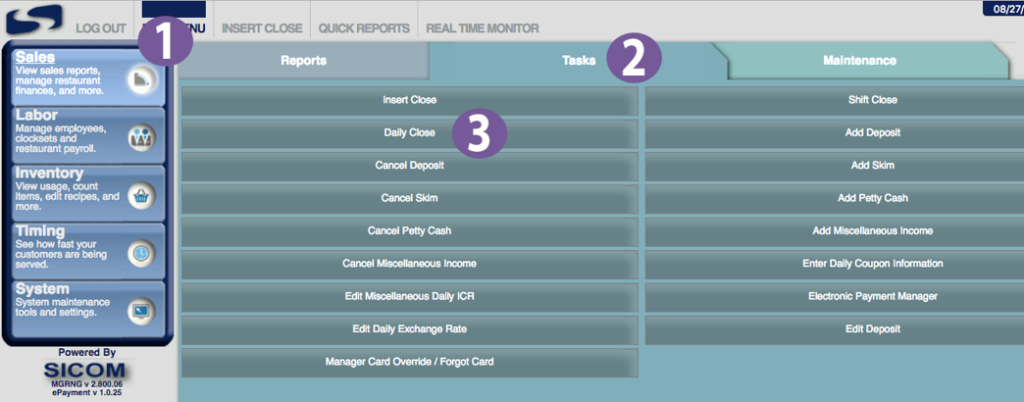
- In your MGRNG menu, navigate to (1) Sales -> (2) Tasks -> (3) Daily Close:
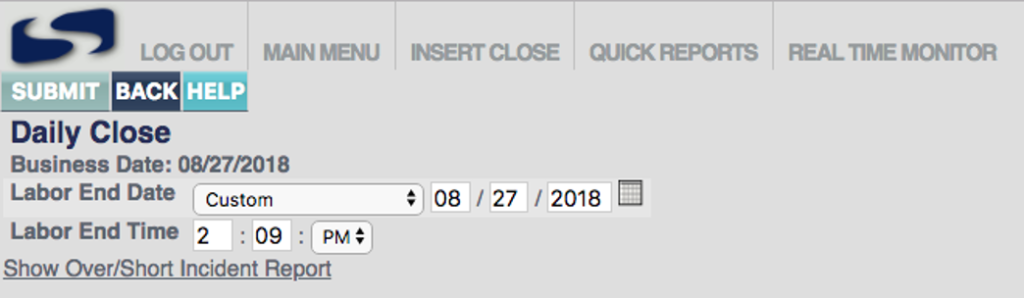
- Unless otherwise instructed, do not change the Labor End Date or Time. Verify that your nightly duties have been completed, such as counting inventory, or clocking out employees.
- You’ll see a progress bar for your Daily Close process, which should eventually complete:

-
Any issues contact Sicom Support: 800-547-4266